
Copilot Studio Governance: PPAC Settings

Copilot Studio Governance: PPAC Settings

Microsoft Copilot Studio provides governance controls based on the PPAC framework—Prevent, Protect, Audit, and Control—to help organizations manage AI copilots securely and compliantly.

What is PPAC?

PPAC is a governance model used across Microsoft's AI portfolio to align policies with security and compliance requirements.

  • Prevent — Block harmful or inappropriate content and actions
  • Protect — Safeguard sensitive data and intellectual property
  • Audit — Log and monitor usage for compliance and review
  • Control — Manage who can create, use, and administer copilots

PPAC Governance Overview

The diagram below illustrates how PPAC pillars map to Copilot Studio capabilities.
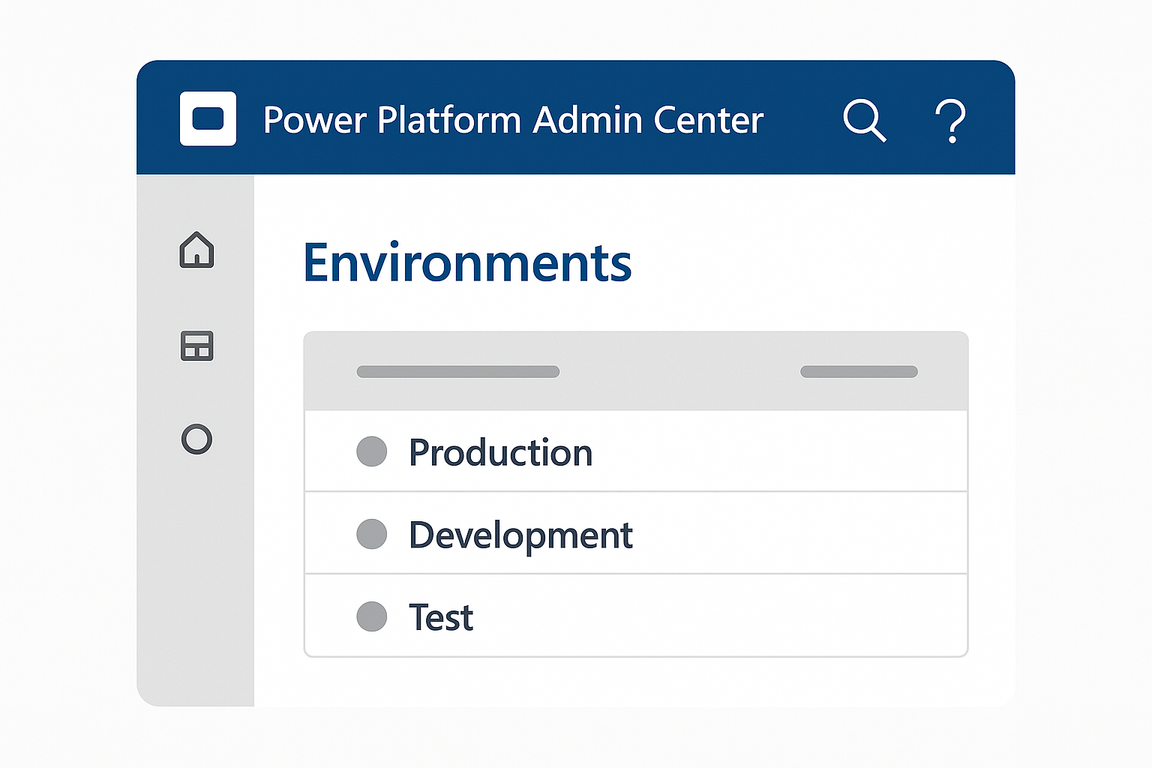
PPAC governance framework diagram showing Prevent, Protect, Audit, and Control pillars and their Copilot Studio mappings.

Figure 1: PPAC framework and Copilot Studio governance capabilities.

Where to Configure PPAC Settings

Governance settings in Copilot Studio are found under Settings and the Power Platform admin center (PPAC).

1. Power Platform Admin Center (PPAC)

PPAC provides tenant-wide controls for environments, policies, and DLP (Data Loss Prevention).

  • Navigate to admin.powerplatform.microsoft.com
  • Use Policies and Data policies to configure Prevent and Protect rules
  • Configure environment-level settings for Control and Audit

Power Platform Admin Center Policies

Screenshot of the PPAC policies page where governance and DLP policies are managed.
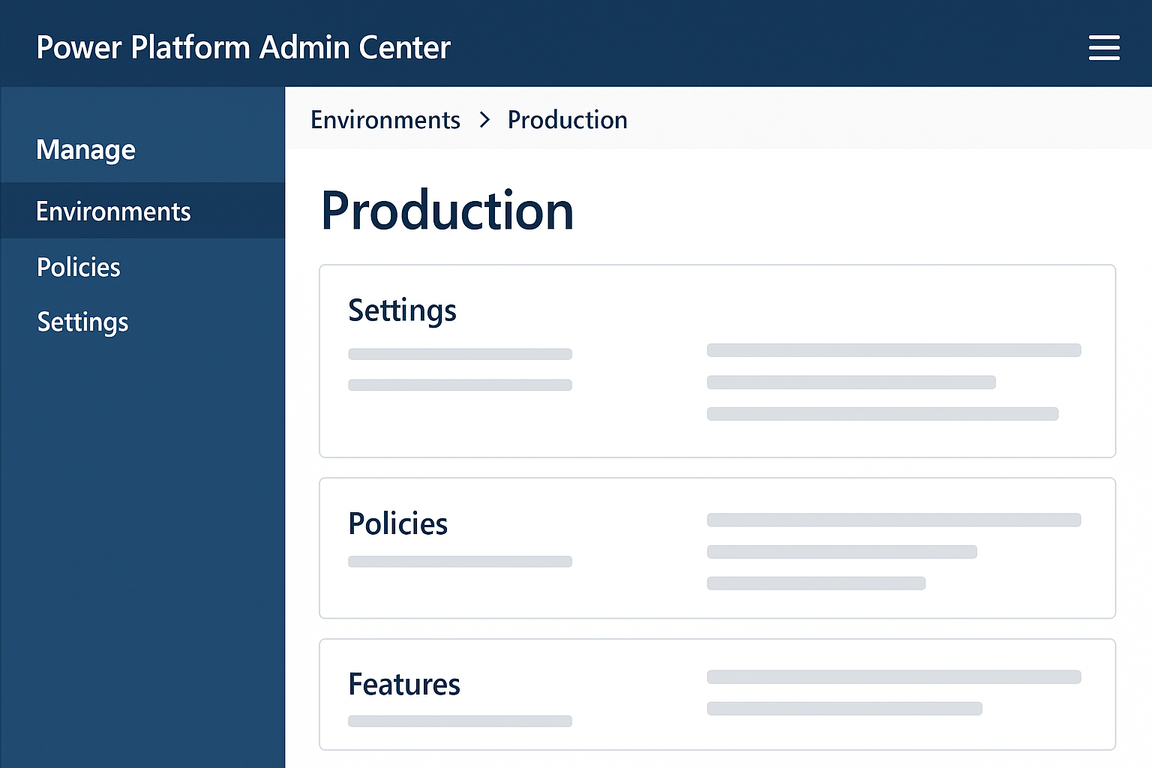
Screenshot of the Power Platform Admin Center policies and data policies section.

Figure 2: Power Platform Admin Center policies and data policy configuration.

2. Copilot Studio Settings

Within Copilot Studio, each copilot has settings that align with PPAC:

  • Content filtering (Prevent) — Block harmful prompts and responses
  • Data and privacy (Protect) — Control model usage and data retention
  • Conversation logs (Audit) — Enable and manage analytics and logs
  • Access and roles (Control) — Manage makers and admins via environment roles

Copilot Studio Governance Settings

Screenshot of Copilot Studio settings related to content filters, data, and analytics.
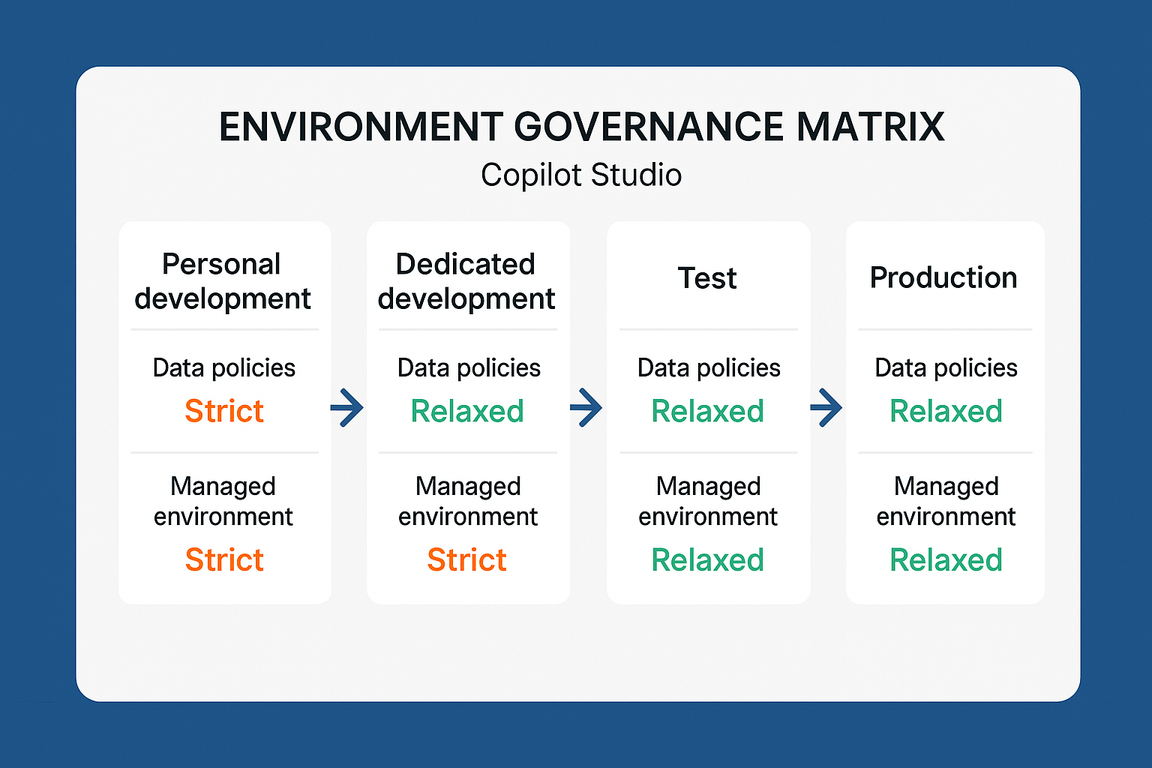
Screenshot of Copilot Studio settings for content filtering, data handling, and analytics.

Figure 3: Copilot Studio governance and content moderation settings.

How to Apply PPAC Settings (Steps)

Open the Power Platform Admin Center and sign in with an admin account.
Create or edit policies under Policies or Data policies to define Prevent and Protect rules.
Configure environment settings for logging and audit retention to support Audit requirements.
Assign environment roles to control who can create and manage copilots (Control).
Review Copilot Studio settings per copilot for content filtering and data handling.

This article reflects Copilot Studio governance options as of Microsoft Copilot Studio availability. Check the Microsoft Learn documentation for the latest PPAC and governance updates.